Welcome to HelloBLOOM

One connected pathway from curriculum overview, to planning, to classroom delivery, to homework, and review.

Your Journey starts here...
HelloBLOOM is... HelloBLOOM isn't...
A custom lesson workflow for planning activities, developing weekly lesson plans, building activity content, and presenting live lessons. Learn More... A random worksheet generator or a pile of disconnected AI outputs that teachers must organise manually.
A face-to-face classroom English lesson preparation and presentation suite for teachers. Learn More... An online English learning app for students to use instead of classroom lessons.
A classroom activity system for engaging, student-centred English lessons. Learn More... A passive screen-based learning app where students sit alone and complete generic tasks.
A teacher-led system that helps lessons stay active, structured, and classroom-centred. Learn More... A replacement for teachers, classroom interaction, speaking practice, or live instruction.
A school-friendly platform for managing classes, teachers, students, and shared teaching pathways. Learn More... A loose collection of files, slides, and activities with no class or school structure.
A CEFR-aware English teaching system that supports level, age, and lesson alignment. Learn More... A one-size-fits-all content tool that ignores learner age, English level, and lesson focus.

HelloBLOOM saves you valuable time and energy.

Develop engaging activities, accessible weekly lesson plans, and focused lesson content through one connected workflow, bringing everything together in a reliable lesson presentation tool.

Learn More...

HelloBLOOM turns your lesson content into engaging English lessons.

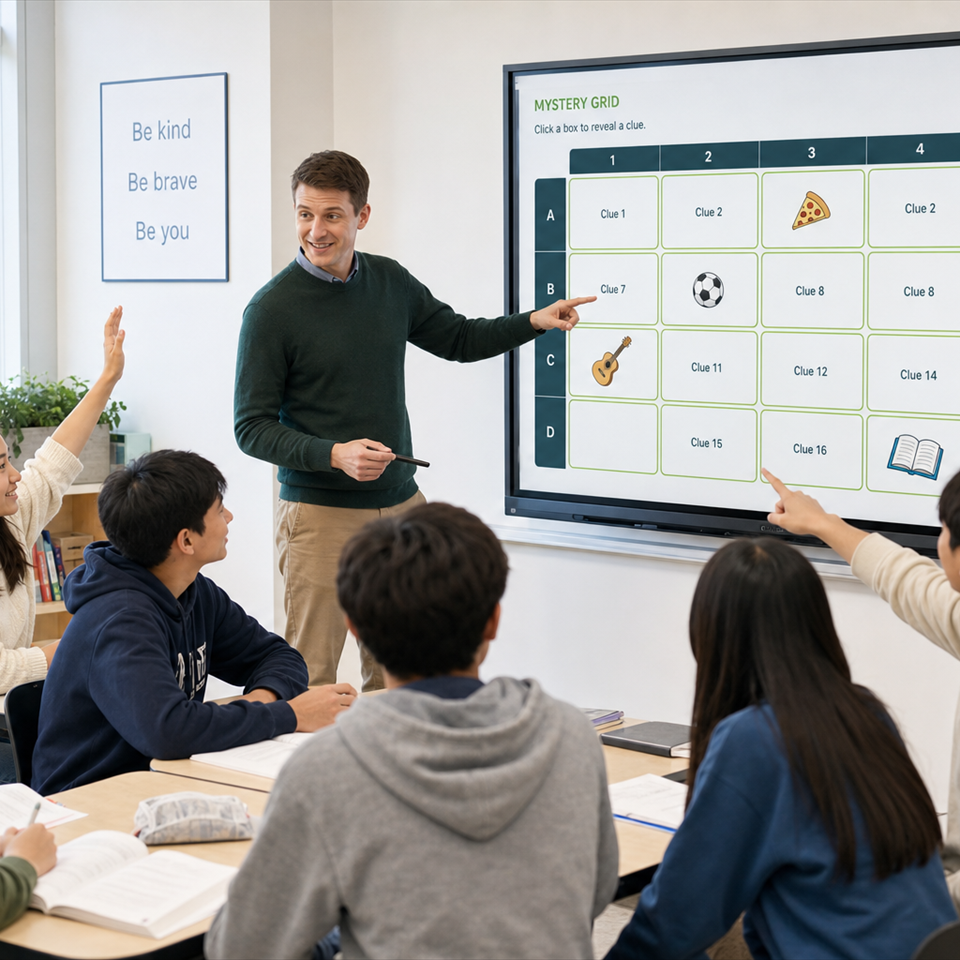
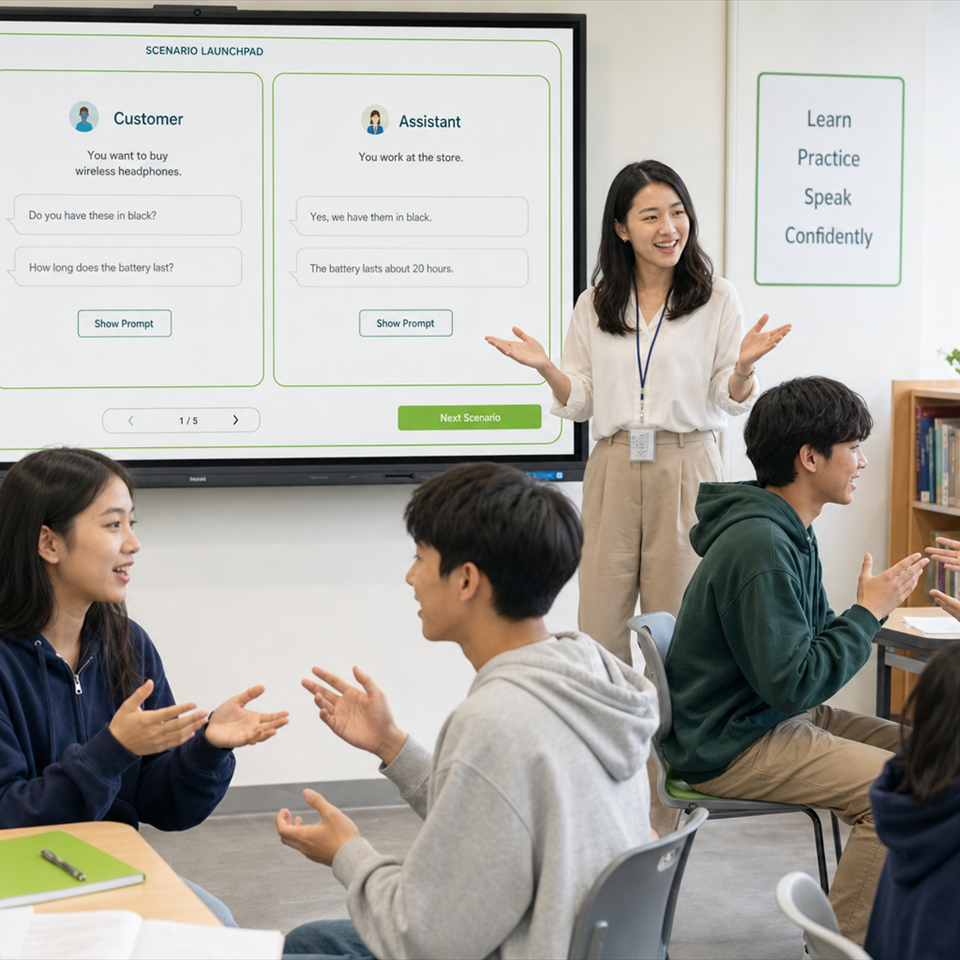
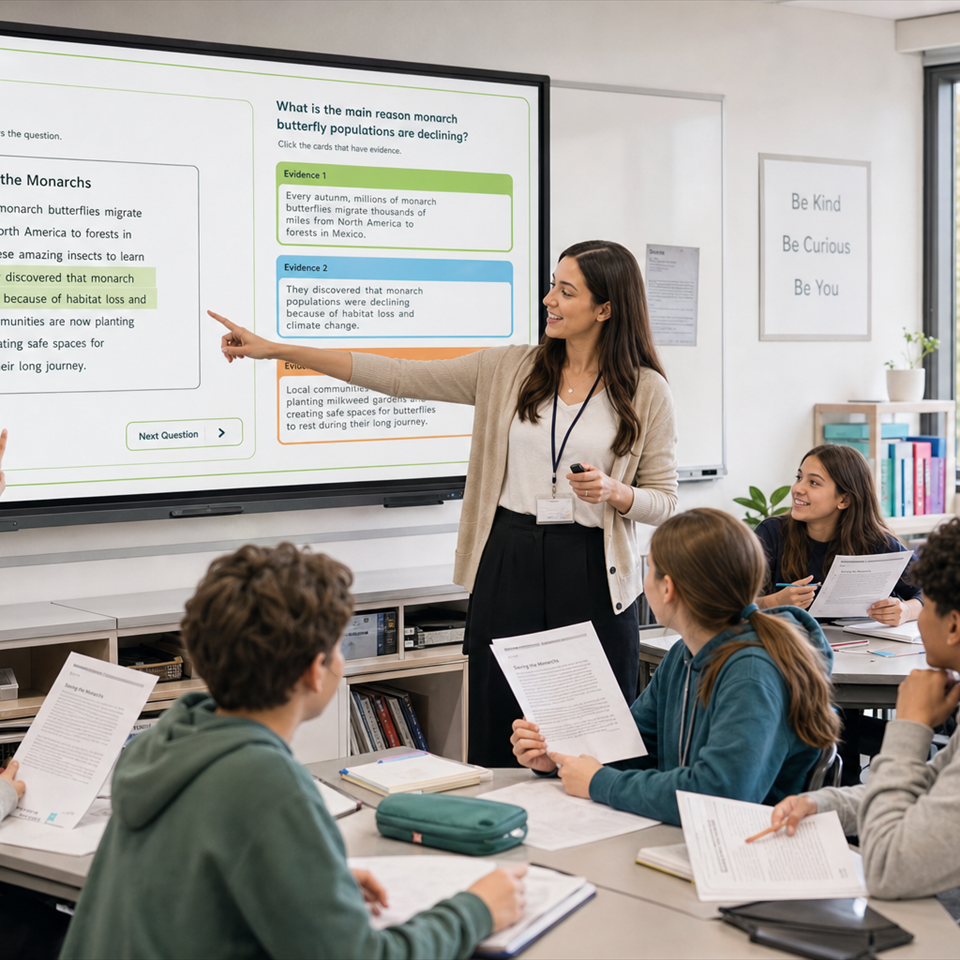
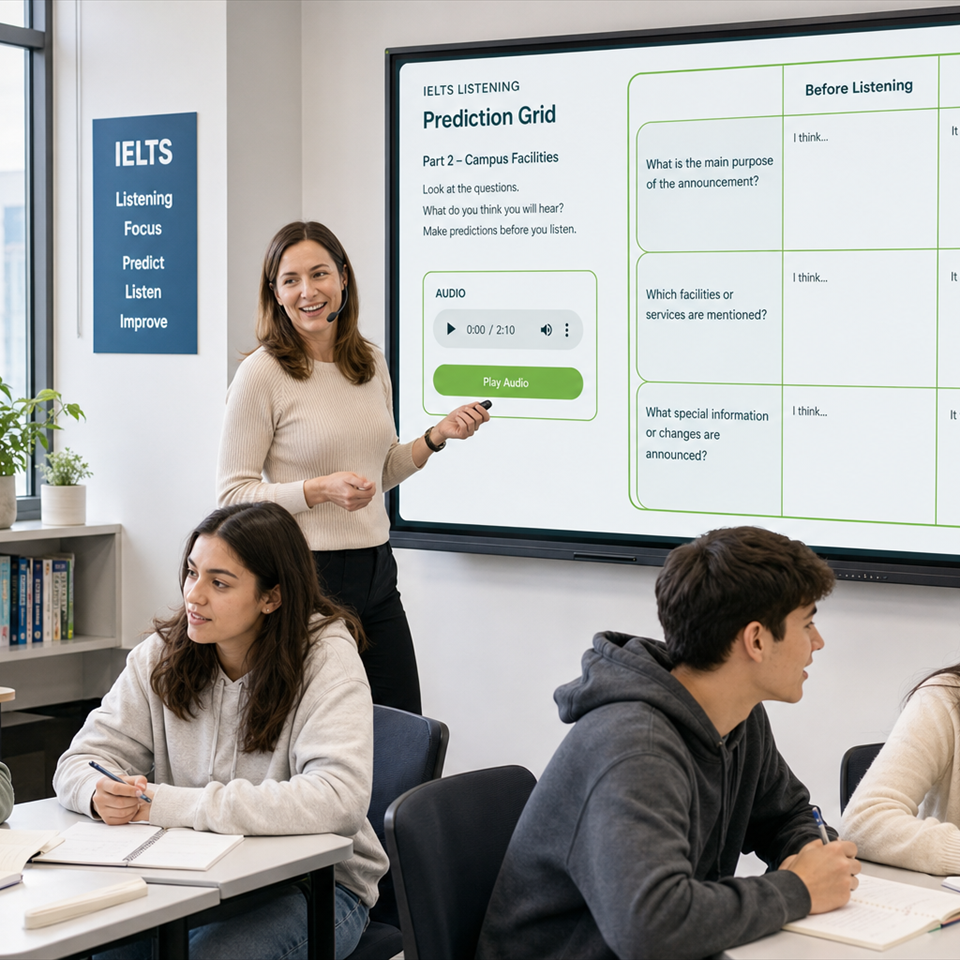
Make your classroom lessons engaging and effective using HelloBLOOM's 35+ activity formats covering Vocabulary, Grammar, Reading, Listening, Writing and Speaking.

Learn More...

HelloBLOOM creates content specifically for your learners.

All activity and review tasks are shaped around your class age, English level, and lesson focus.

Learn More...

HelloBLOOM replaces slideshow building with a synchronised lesson presenter.

Teach from synchronised lesson plans, teacher notes, classroom activities, and presenter tools in one natural lesson flow.

Learn More...

HelloBLOOM turns worksheet creation into a faster support task.

Generate student-centred worksheets and printable resources that support classroom teaching without becoming the centre of the lesson.

Learn More...

HelloBLOOM keeps your lessons aligned with international English levels.

Build lessons around clear English progression and CEFR-aware pathways that connect across classes, weeks, and student levels.

Learn More...

HelloBLOOM keeps your curriculum visible across every class.

Give teachers a shared curriculum pathway while still allowing flexibility in how lessons are taught.

Learn More...

HelloBLOOM gives your school a managed lesson workflow.

Save staff time, improve consistency, develop engaging activities, create accessible weekly lesson plans, and build focused lesson content, bringing everything together in a reliable lesson presentation tool.

Learn More...

HelloBLOOM helps your school align lessons with international English levels.

Use CEFR-aware learning pathways to support clearer progression across classes, weeks, levels, and age groups.

Learn More...

HelloBLOOM brings 35+ classroom activities into your school workflow.

Support Vocabulary, Grammar, Reading, Listening, Writing and Speaking with activity formats teachers can adapt across classes and levels.

Learn More...

HelloBLOOM connects classroom learning with student review.

Give students homework and review tasks that follow what was taught in class, instead of random extra practice.

Learn More...

HelloBLOOM organises classes, teachers, and students more clearly.

Manage school structure through connected class, teacher, and student pathways that keep teaching and review easier to follow.

Learn More...

Face-to-face classroom suite

HelloBLOOM is built for real English classrooms.

HelloBLOOM helps teachers prepare, present, and connect English lessons without turning the classroom into a self-study app. It supports live teaching, student interaction, speaking practice, teacher notes, classroom flow, worksheets, homework, and review from one connected place.

The teacher stays at the centre of the lesson. HelloBLOOM simply makes the preparation, presentation, and follow-up easier to manage.

Diagram / image / video animation space

35+ BLOOM activity formats

Engaging classroom activities across the main English skills.

HelloBLOOM activity formats support Vocabulary, Grammar, Reading, Listening, Writing, and Speaking. The goal is not to create random tasks, but to turn lesson content into active, student-centred classroom experiences.

Teachers can move from a lesson focus into suitable classroom activities, print resources, homework, and review tasks that feel connected to the same teaching goal.

Activity demo / diagram / animation space

Connected teaching workflow

One pathway from curriculum to classroom.

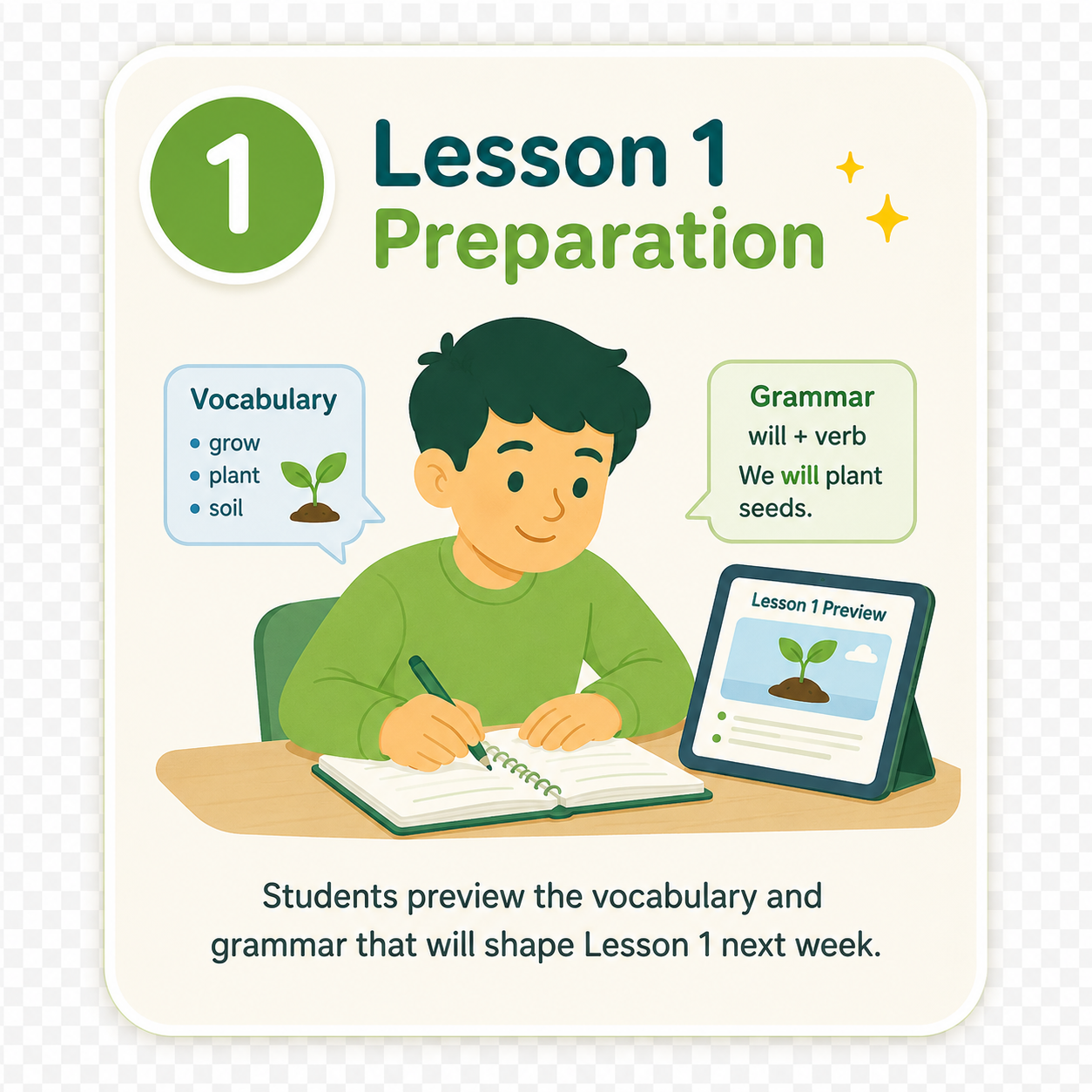
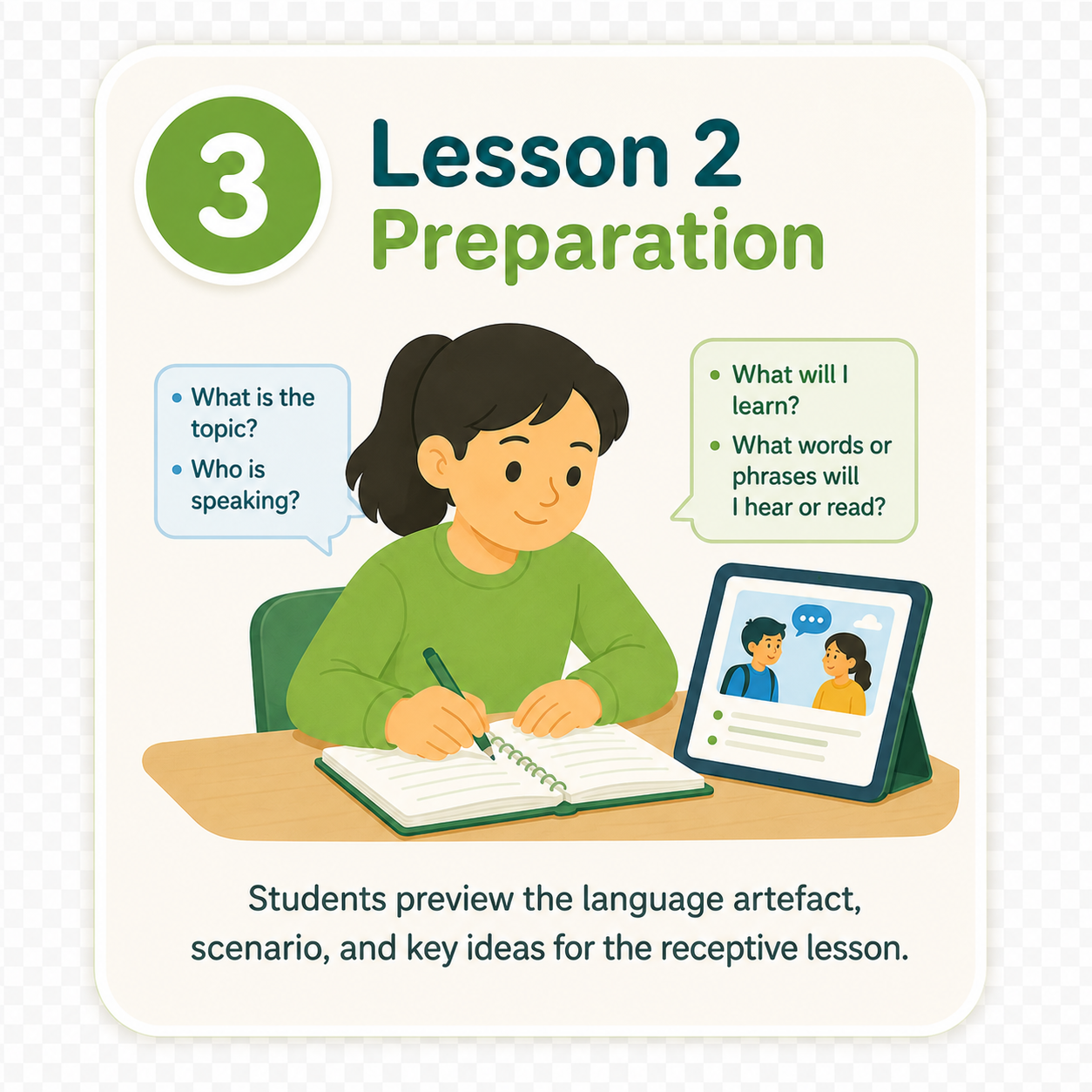
The HelloBLOOM workflow streamlines curriculum planning through to classroom lesson presentation. HelloBLOOM connects our world-class EAL Curriculum Overview to weekly planning, classroom activities, lesson presentation, and student lesson front-loading. This helps lessons feel planned, consistent, and connected instead of patched together from separate files and tools.

For teachers, this reduces repeated preparation. For schools, it creates a clearer teaching pathway across classes and weeks.

The HelloBLOOM Curriculum Workflow
01

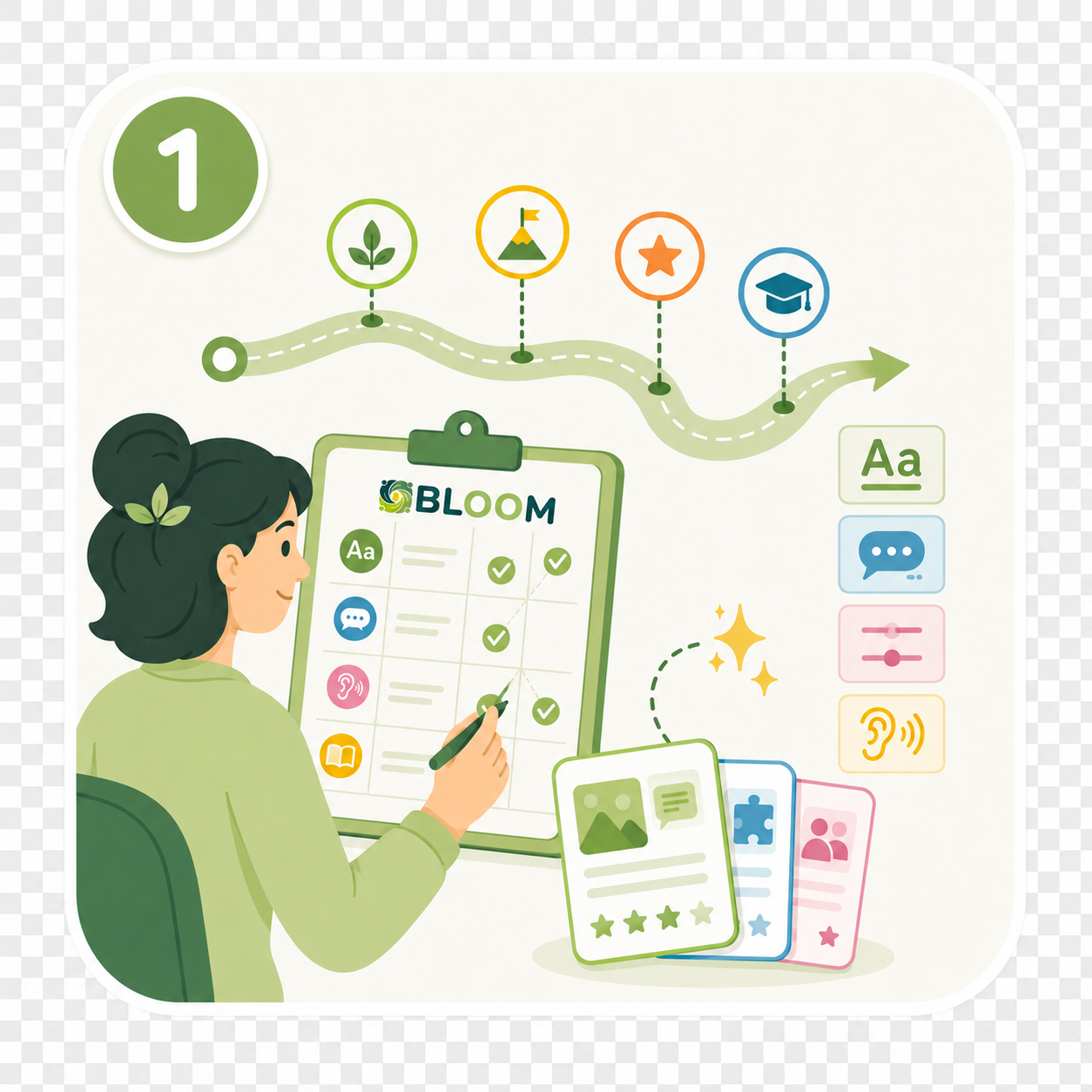
Plan Activities

You can choose activities from our extensive activity library or let our innovative algorithm choose the activities for you.

Find out more
02

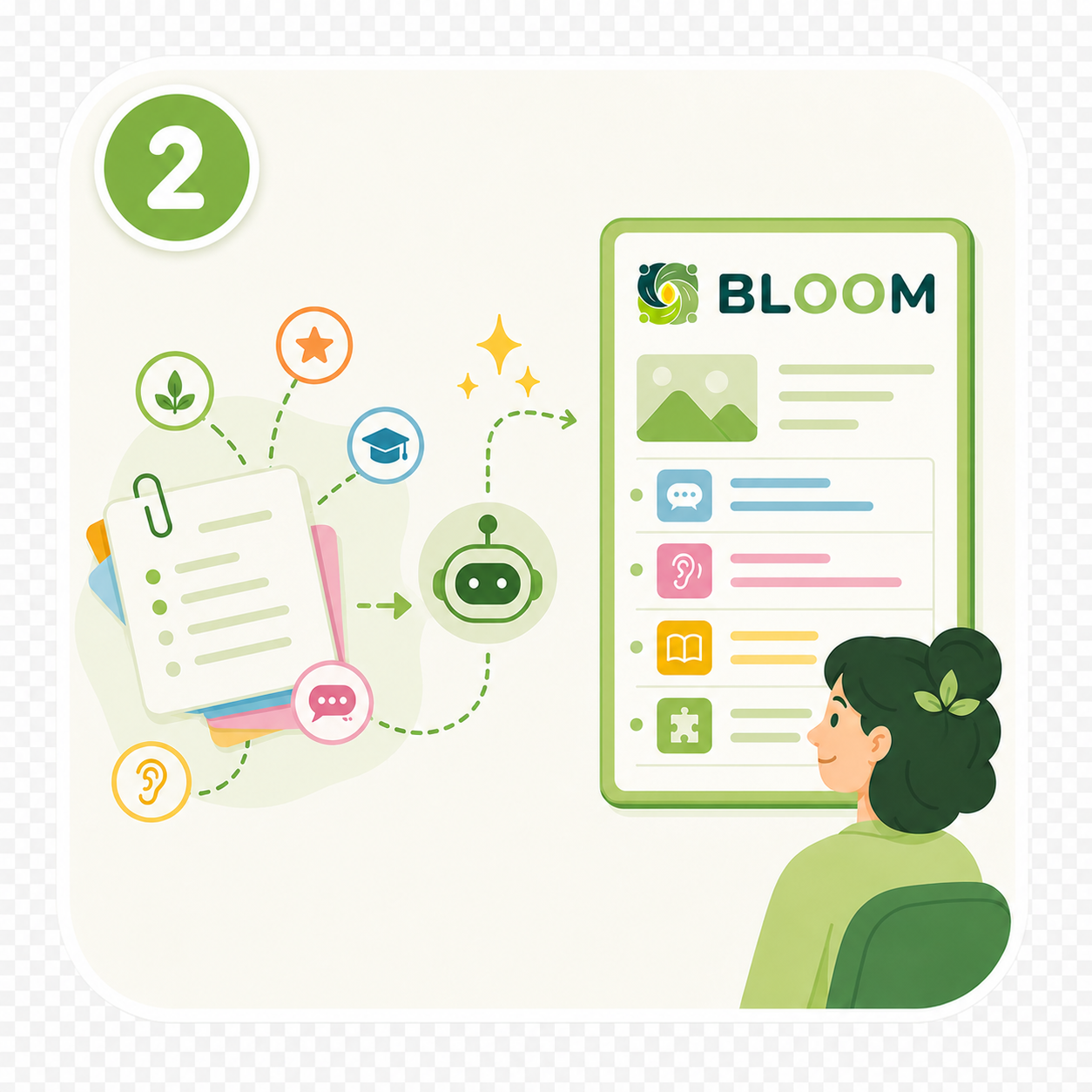
Develop Brief

Shape the week into a clear lesson overview. HelloBLOOM AI develops weekly lesson plans by drawing on our world-class EAL Curriculum Overview and extensively tested algorithms.

03

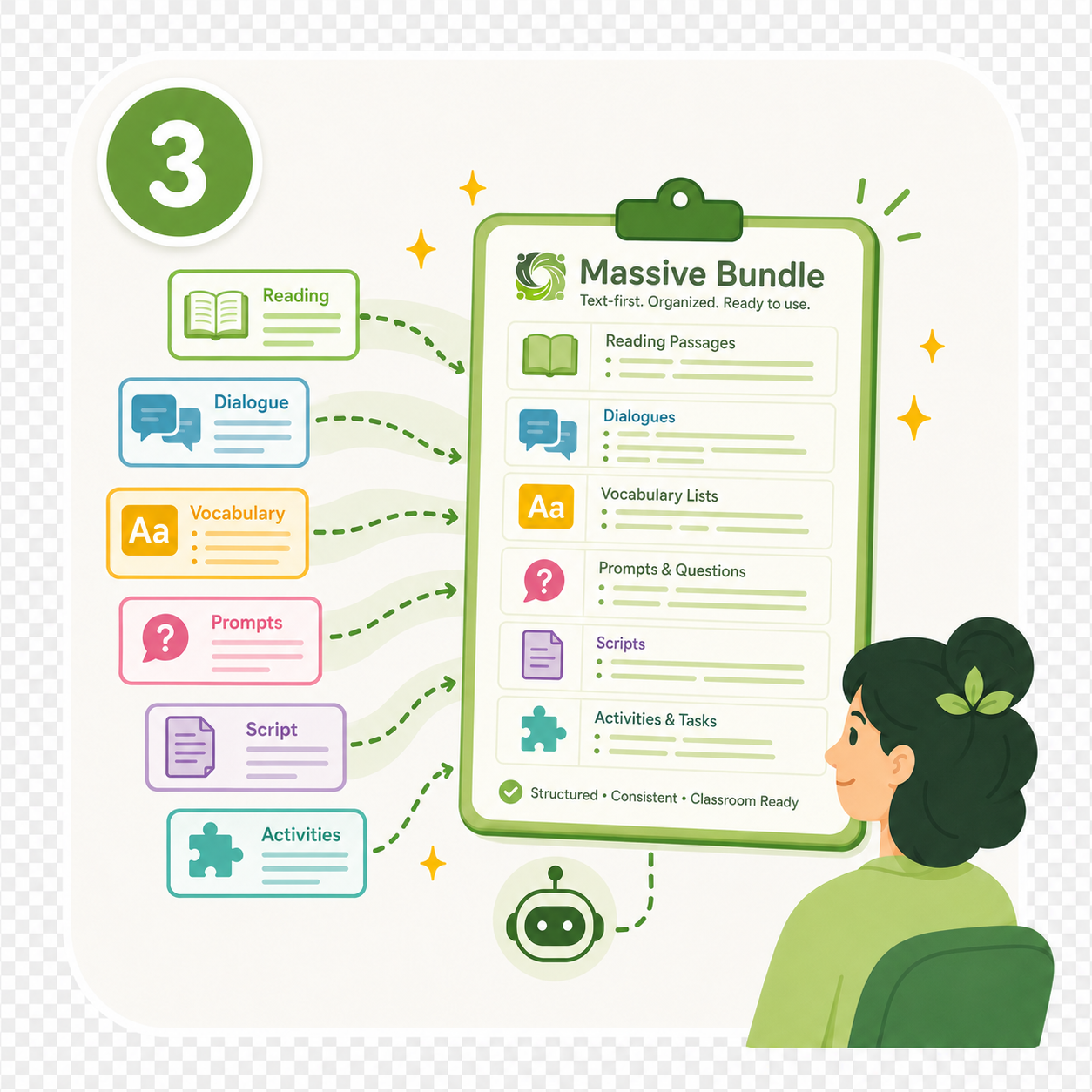
Build Content

Generate, edit, and customise activity content. Work alongside HelloBLOOM AI to finalise each lesson's content, then add, edit, or delete content to suit your students' needs.

04

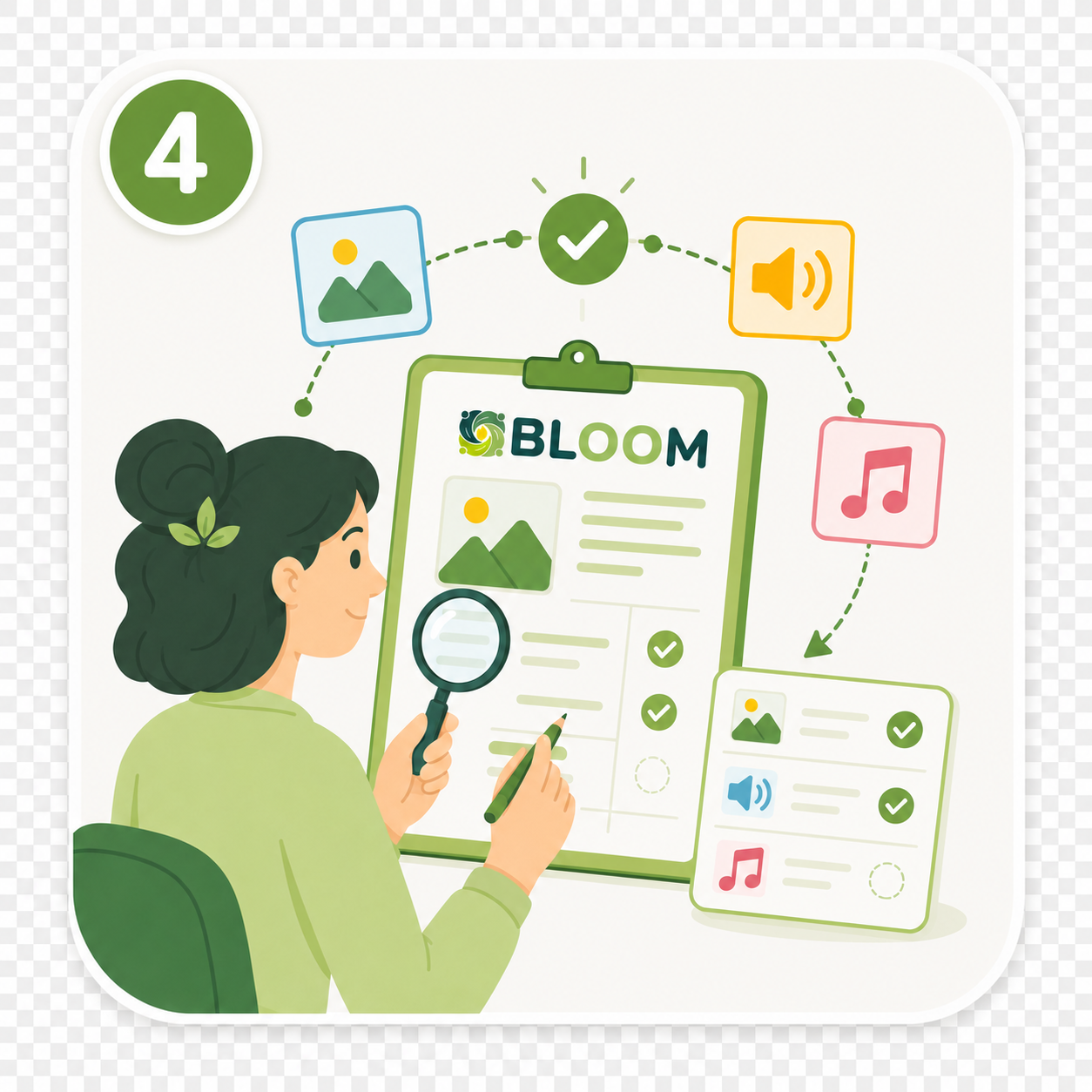
Present

Teach from one connected classroom presenter flow. Lesson plans help teachers prepare, print content, and present in an easy classroom interface while tracking weekly lesson progress.

Teacher-led lesson presenter

Replace slideshow building with a synchronised lesson flow.

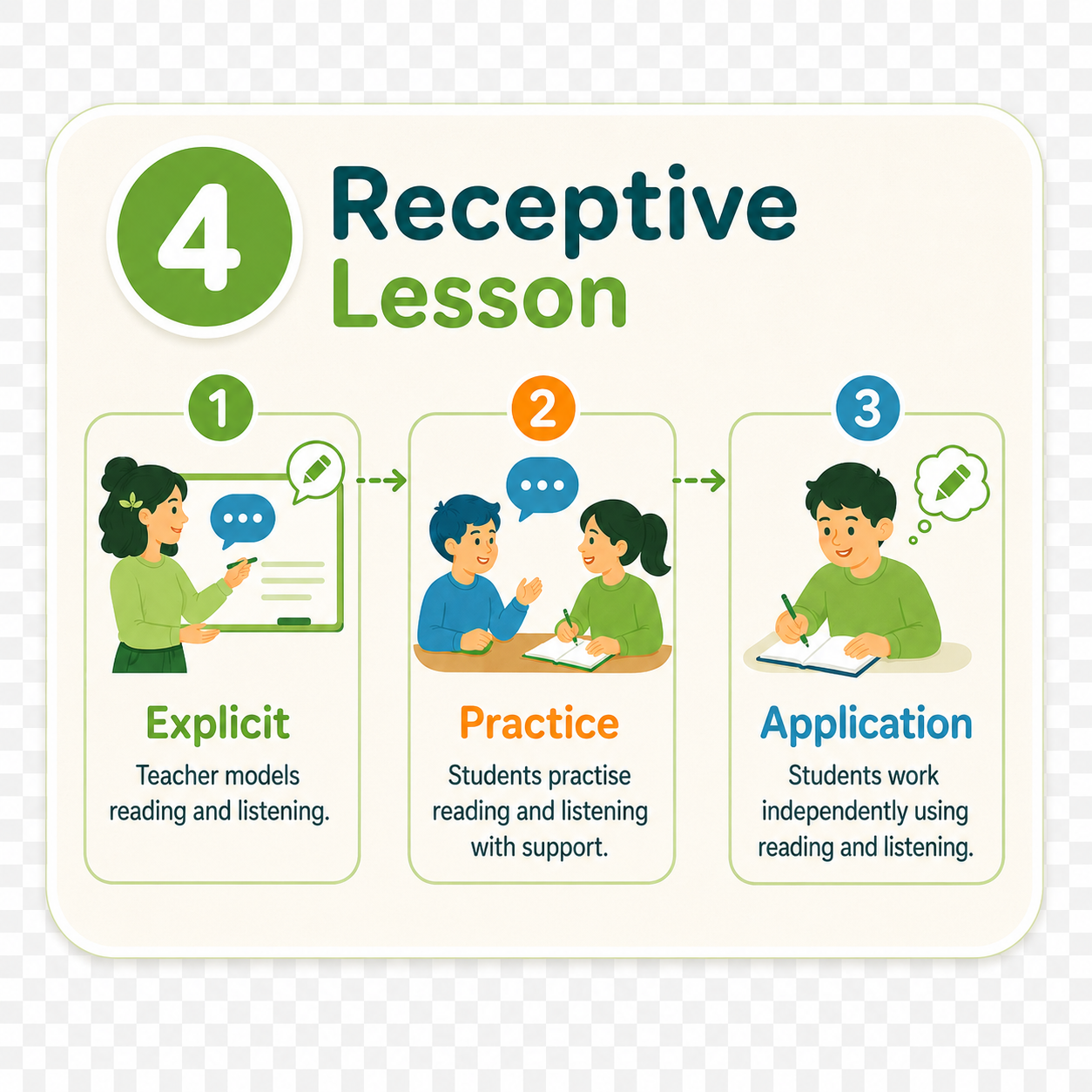
HelloBLOOM supports lesson presentation without forcing teachers to build slides from scratch. Lesson plans, teacher notes, classroom activities, and presenter tools can work together in a natural teaching sequence.

The presenter is designed to support live teaching, not replace teacher judgement, classroom movement, or student interaction.

Presenter mock-up / video animation space

Worksheets, homework, and review

Keep student follow-up connected to what was taught.

HelloBLOOM helps teachers generate student-centred worksheets, homework, and review tasks that follow the classroom lesson. This keeps after-class practice aligned with the language, skills, and activities already introduced by the teacher.

The aim is simple: less disconnected extra practice, more meaningful review.

Worksheet / homework / review visual space

Class, teacher, and student management

A clearer teaching structure for schools and organisations.

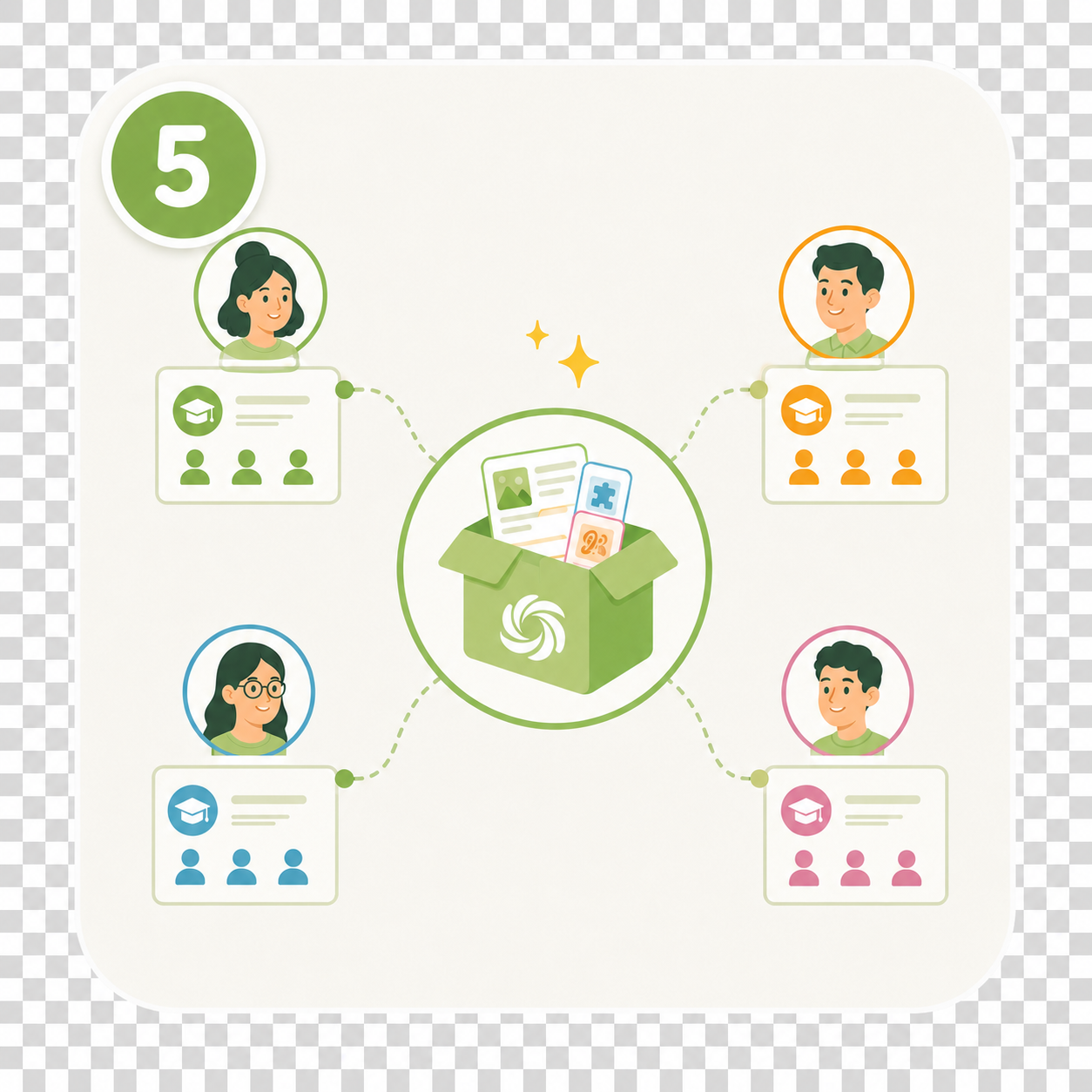
HelloBLOOM supports organisation-level teaching pathways by connecting classes, teachers, students, curriculum visibility, lesson preparation, and review. This gives schools a clearer way to support teachers without micromanaging every lesson.

It helps school leaders see the teaching structure while still leaving teachers room to teach.

School structure / class pathway diagram space

CEFR-aware curriculum alignment

Plan lessons around level, age, week, and progression.

HelloBLOOM is designed around clear English progression. Curriculum pathways can connect to class level, age band, weekly focus, learning outcomes, vocabulary, grammar, skills, and review.

This supports more consistent planning across classes while keeping the lesson content appropriate for the learners in front of the teacher.

Curriculum / CEFR / progression visual space

Present more engaging English lessons

HelloBLOOM helps teachers move from static lesson notes to classroom-ready activity bundles, presenter tools, print resources, and review tasks.

Go to classroom activities

Save time developing lesson content

The Lesson Architect Workspace supports structured planning, language focus, activity building, and lesson flow so teachers are not starting from a blank page every time.

Go to the BLOOM workflow

Save time publishing student resources

HelloBLOOM connects lesson content with student homework and review pathways, reducing the need to manually rebuild resources after every class.

Go to homework and review workflow

Create classroom activities without starting from scratch

Teachers can build speaking, listening, vocabulary, print, and exam-prep activities from lesson content while keeping control of the classroom direction.

Go to activity examples

Connect homework and review to what you taught in class

Student review is connected to lesson delivery, so homework is not a random extra task. It follows the language and activities already used in class.

Go to review workflow

Create consistency across curriculum implementation

HelloBLOOM gives organisations a shared curriculum pathway so teachers, classes, and students can move through content with clearer alignment.

Go to curriculum backbone

Support teachers with shared lesson tools

Organisations can support teachers with common planning structures, activity tools, presenter workflows, and review pathways without removing teacher flexibility.

Go to school tools

Manage teachers, classes, and students more clearly

HelloBLOOM is designed around school structure: organisations, teachers, classes, and students are connected to the teaching workflow.

Go to user pathways

Reduce preparation pressure across your teaching team

Shared lesson architecture and activity tools help reduce repeated preparation work across teachers while keeping lesson quality consistent.

Go to planning workflow

Connect classroom learning, homework, and review

HelloBLOOM keeps classroom delivery, student resources, homework, and review connected so learning continues beyond the lesson without becoming disconnected screen work.

Go to connected workflow

English teaching workflow platform

Plan, teach, present, and review English lessons from one connected workspace.

HelloBLOOM helps language schools and teachers move from curriculum to classroom delivery, student homework, and review without jumping between disconnected tools.

01 Curriculum

Start with structure

02 Plan

Build the lesson flow

03 Create

Activities and resources

04 Teach

Present live in class

05 Review

Homework that connects

The BLOOM teaching pathway

One workflow. Every stage of the lesson.

BLOOM connects the parts of English teaching that usually sit in different files, apps, folders, and teacher notebooks.

C

Curriculum

Start from a structured English learning pathway, not a blank page.

P

Plan

Build weekly lessons with clear outcomes, language focus, and classroom flow.

B

Build

Create activity bundles, print resources, and interactive classroom tasks.

T

Teach

Use presenter mode designed for live teacher-led classroom delivery.

R

Review

Send homework and review activities connected to what students learned.

The pressures BLOOM was built to solve

Less chaos for schools. Less workload for teachers. Better balance for students.

Language schools, teachers, and students are all under pressure. BLOOM is designed to solve real classroom and management problems, not add another disconnected tool.

S

Language Schools

Keep classes, teachers, and content aligned.

BLOOM helps schools create a more consistent teaching experience across teachers, classes, and student groups. Curriculum, lesson plans, classroom activities, homework, and review can connect through one shared workflow.

Less variation. Better visibility. More consistent learning.
T

Teachers

Reduce preparation time without reducing lesson quality.

BLOOM supports teachers with structured lesson planning, activity creation, presenter tools, print resources, homework, and review tasks. Teachers stay in control, but they do not have to build everything from scratch.

Less prep. More teaching energy. Stronger classroom flow.
L

Students

Technology that supports the classroom, not replaces it.

BLOOM is designed around teacher-led lessons, classroom interaction, speaking, listening, print resources, and purposeful review. Student screens are used to revisit lessons and practise what was actually taught.

More classroom connection. Less random screen learning.

Built for English schools

Consistency without forcing every teacher to teach the same way.

BLOOM gives schools a shared structure while still allowing teachers to bring their own classroom personality. Managers can align curriculum, classes, and lesson delivery without micromanaging every minute.

Curriculum
Managers
Teachers
Classes
Students

Curriculum backbone

A structured pathway behind every lesson.

BLOOM lessons are supported by a clear level structure, helping schools keep progression visible across ages, classes, and programs.

StartersYoung learners developing vocabulary, grammar, listening, and speaking foundations.
CoreGeneral English support for broader teenage and adult learning needs.
PrimeGrowing learners expanding fluency, accuracy, and classroom communication.
EliteHigher-level learners strengthening expression, comprehension, and task confidence.
Coming laterIELTS and Phonics levels coming in 2027.

Classroom activity system

Activities that are ready to teach.

BLOOM activities are built for real classroom use: speaking, listening, vocabulary, exam preparation, print resources, homework, and review.

Vocab

Vocabulary Hotspot

Image-based vocabulary with examples, hotspots, and audio.

Speaking

Category Sprint

Fast classroom speaking practice with structured language pressure.

Fluency

5-Second Blitz

Quick-fire answers that build speed and confidence.

Print

Taboo Resource

Printable speaking cards for pair and group interaction.

Review

Audio Tick-List

Listening review connected to the lesson language.

Coming later

IELTS and Phonics

IELTS and Phonics levels coming in 2027.

More than AI prompts

A teaching system, not a worksheet generator.

Basic AI tools can produce ideas. BLOOM connects those ideas to curriculum, class structure, classroom delivery, student homework, and review.

Basic AI tools

One-off ideas

Copy-paste workflow

No class structure

Not designed for live teaching

HelloBLOOM

Connected teaching workflow

Curriculum to review pathway

Built around schools and classes

Presenter, print, homework, and review tools

Choose your path

Find the tools that match the way you teach.

Questions

Simple answers for schools and teachers.

Is HelloBLOOM only for schools?

No. Independent teachers can use it too, but BLOOM is designed to scale for schools and organisations.

Does BLOOM replace teachers?

No. BLOOM supports teacher-led lessons with planning, activity creation, classroom presentation, homework, and review.

Is it just an AI worksheet generator?

No. BLOOM connects curriculum, lesson planning, classroom activities, presenter mode, homework, and student review.

Can students log in without email?

Yes. Students can use class-based login handles instead of personal email accounts.

Does it support IELTS and Phonics?

IELTS and Phonics levels coming in 2027.

Bring your English teaching workflow together.

From curriculum planning to classroom delivery and student review, HelloBLOOM gives teachers and schools one connected place to build better lessons.

Explore HelloBLOOM Log in
Top